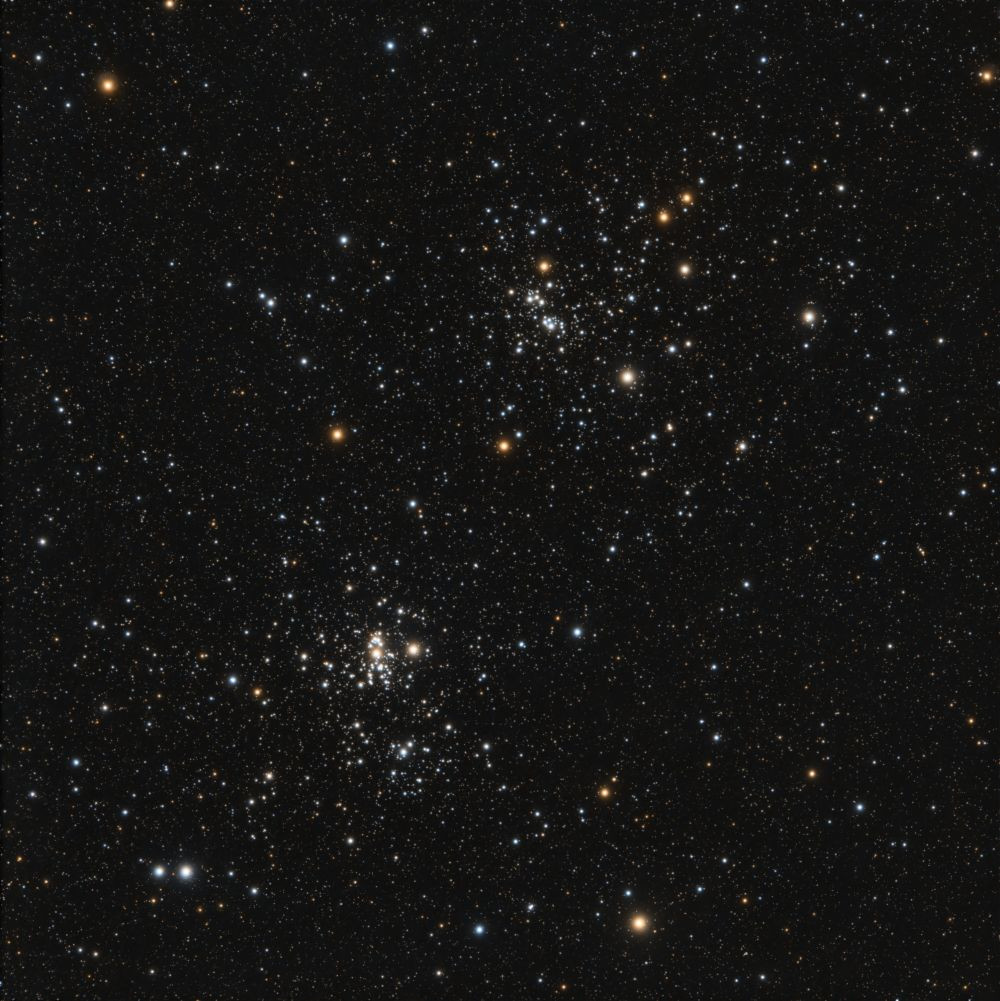
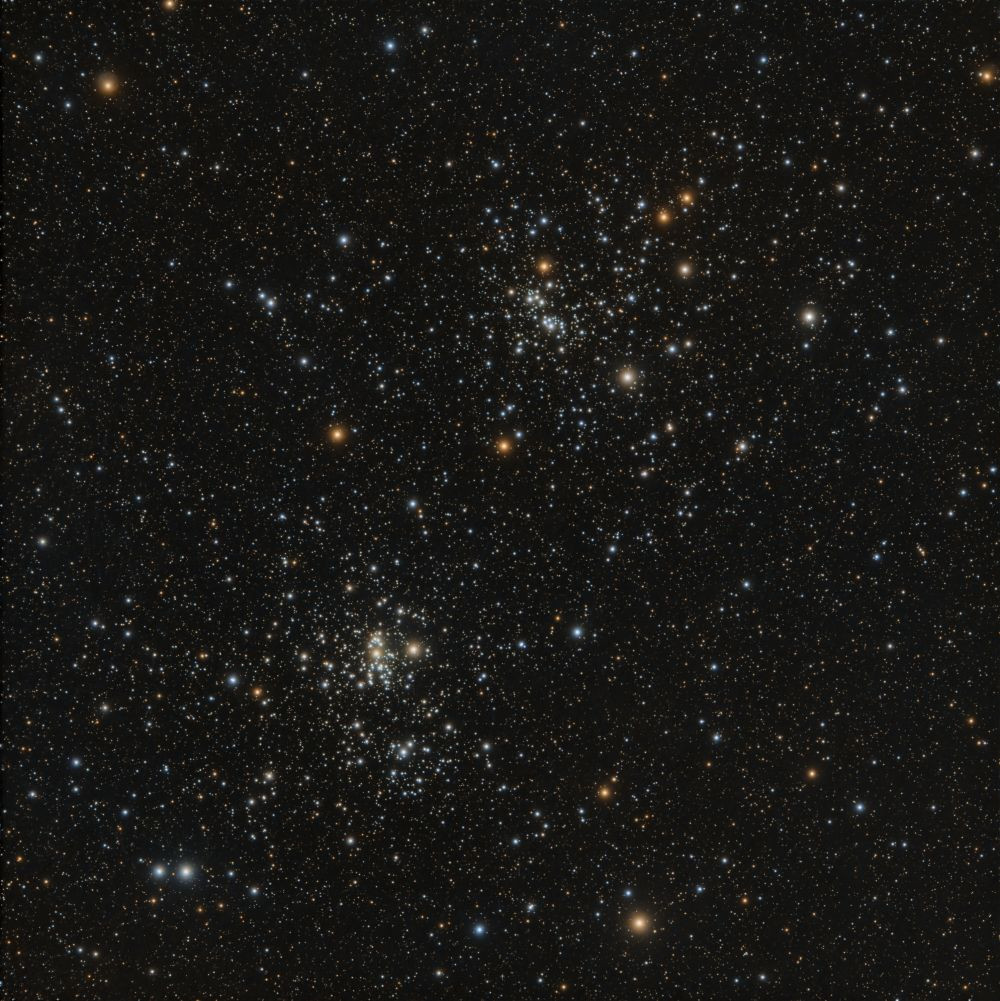
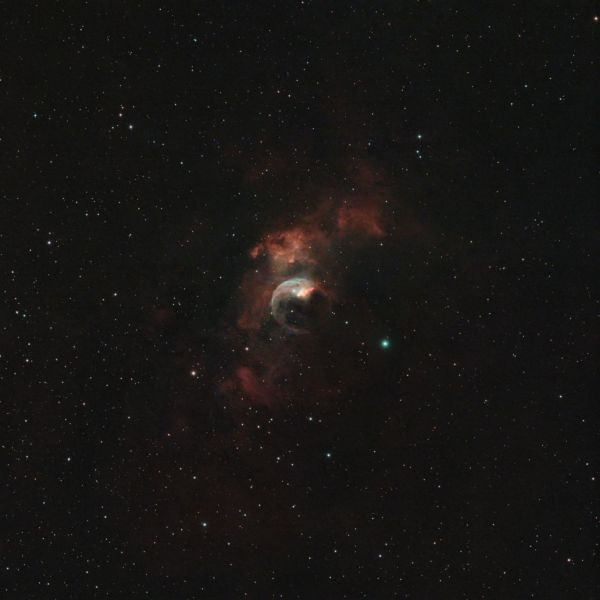
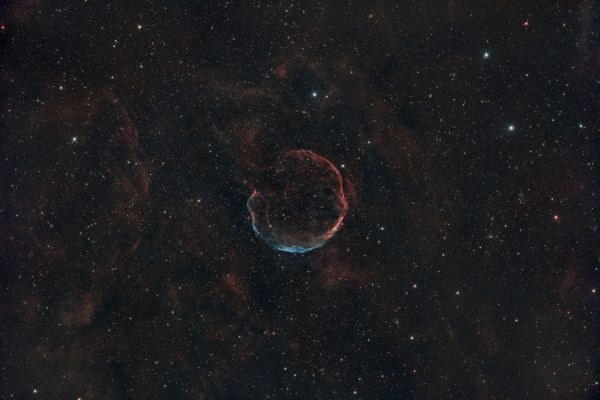
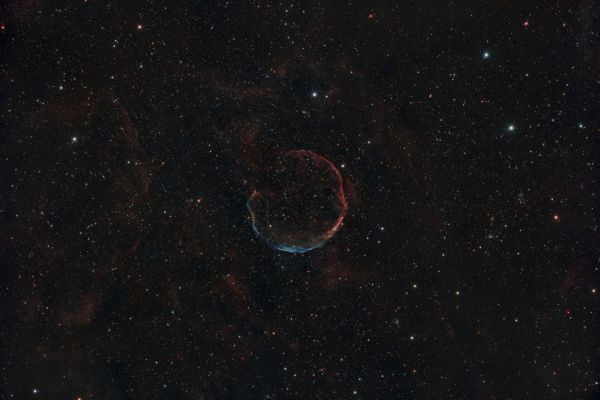
Technical frame to test the equipment
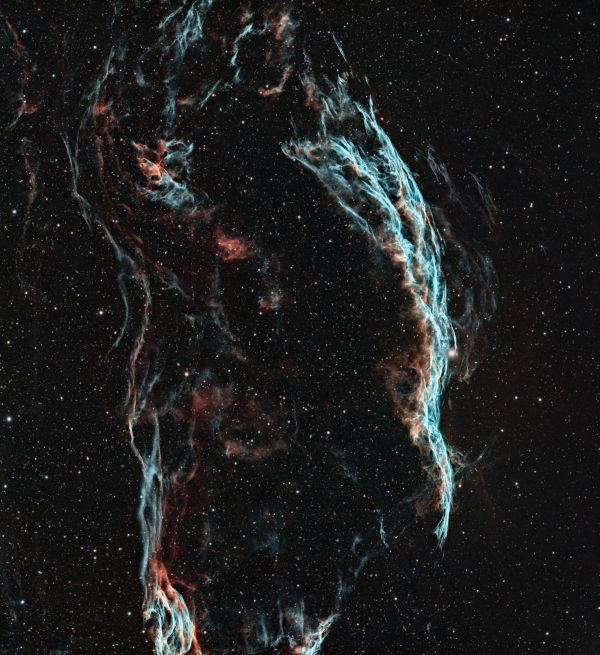
First successful test of StellaVita (the first one was a complete failure). I deliberately chose an object with only stars to make it clear how our guiding is doing.
I'll note the pros and cons for the record:
1. CON: no focusing mode.
In ASIAir there's a mode that displays a circle around the star on screen, large and frequently updated, along with its HFR and a brightness graph. That's about 10-20 frames per second, live video from the main camera.
In StellaVita there's nothing except getting a frame from the camera — there's only live camera view, and "live" means exposure (1 sec) plus receiving that frame on the phone (2 sec).
2. CON: StellaVita lost connection to the home WiFi (bridge mode) and it was nearly impossible to get it back. It wouldn't connect no matter what, and I even had to check the access point logs. Eventually I managed to restore it — unclear what exactly worked, but it came back and didn't drop again.
3. PRO: on the guider screen you can see the image from the guiding camera, just like in PHD2 Guider. There's still no image output mode for focusing the guider, but ZWO doesn't have that either (it's worse there — you can't view the guider image at all).
4. CON: no HFR graph of stars during imaging. ASIAir doesn't have it either. How are you supposed to use this computer if you can't tell when you need to refocus?! (That's why ASIAir has the pointless "refocus every 0.5, 1, or 2 hours" — but what if I need it less often? What if I don't need it at all because the temperature hasn't changed today and focus hasn't drifted?!)
5. PRO: it calibrated quickly, guided without issues, plate solving is reliable, and polar alignment is convenient though a bit small on screen : the phone is clearly not in your hand at that moment, but somewhere down below, and you have to make out where the arrow points — compare that to NINA Three Star Polar Alignment, where numbers and arrows are huge as if for the blind, and that's the right way.
Overall — it's usable. You'll suffer, but you can use it. A balanced trade-off between suffering and the benefits of not having a control computer on the mount and a laptop in your hands.






Comments
Reply
Sign up or sign in to leave a comment.
I've had the image shifted when you enable Auto center in Planning — it "kind of" points at it, but doesn't re-check. Just happened recently — Iris was being captured and it was slightly in the corner, even though such an object should be centered — there's no nebula or anything that could shift the visible center.
What you're writing is strange. I can say that as much as it annoyed me the first time, this never happened. Right now — guiding is 0.63" (0.25px) at a guide scope focal length of 240mm.
I had such guiding issues long ago, regardless of the software (Stella didn't exist then; it was Maxim and PHD2): I had an HEQ5 Pro with gears, and I cursed everything until I converted it to belts. Once I did — it guides like a dream. Everything else started working perfectly.
But you can't say plate solving doesn't work because of the mount. And it's strange that it doesn't work if there really are stars there. And I have all default settings, I haven't dug into it (like, search area in degrees).
Today I had this: I turn on Stella in the HOME position (as usual, tube pointing north). I immediately say "go to Altair," and it pointed AT THE GROUND (as if RA and DEC were swapped). I returned it to home manually, did disconnect, connect, and that was it — no more problems. Didn't even restart.
What comes to mind: check the geo coordinates of the observing site, the focus of the scope and the guide scope. But you've probably already done that...
Reply
Sign up or sign in to leave a comment.
Reply
Sign up or sign in to leave a comment.
Sign up or sign in to leave a comment.