

Updated
IC 1805Feb 27th, 2026
24 h 6 m
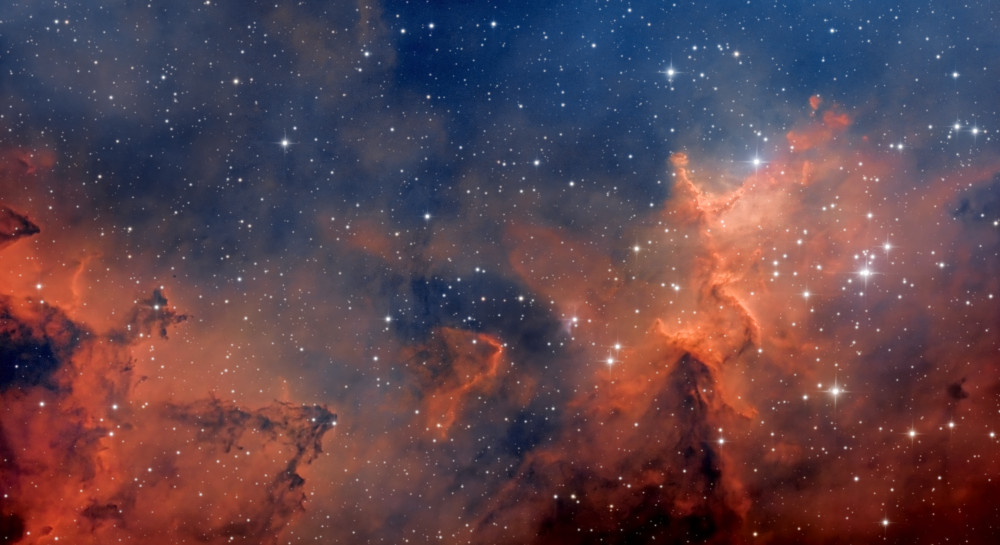
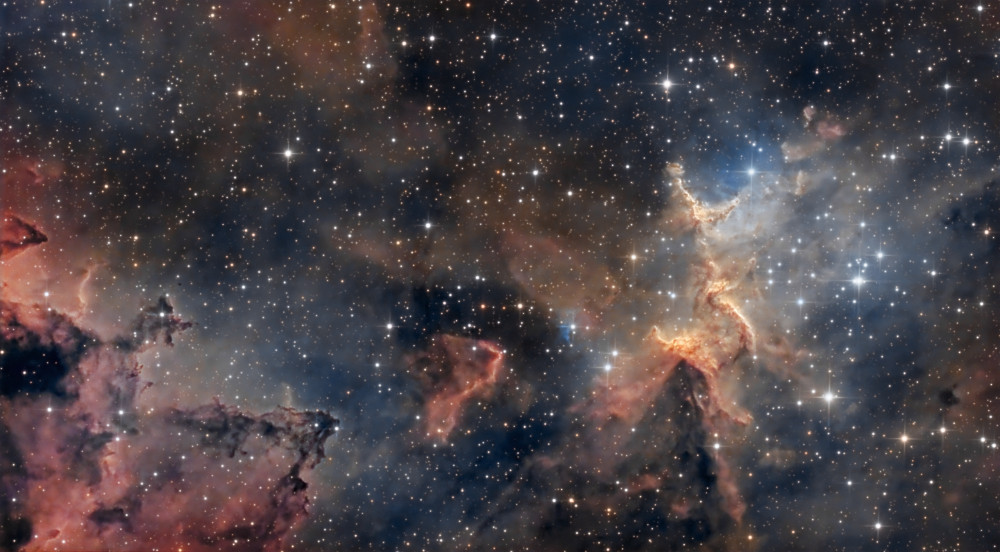
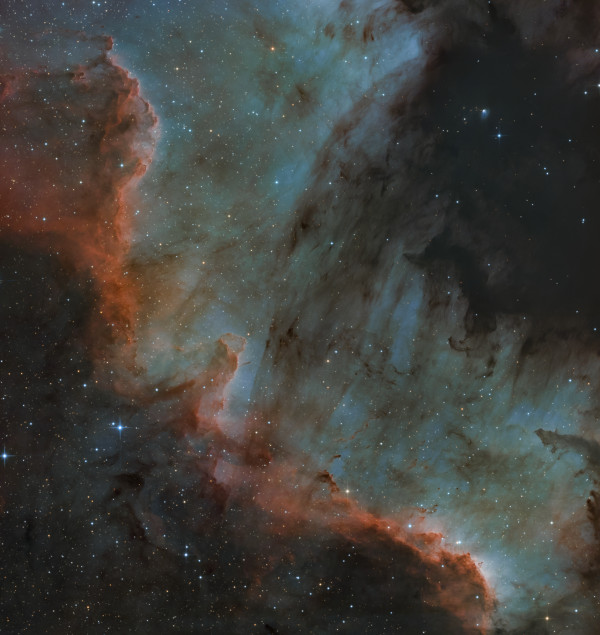
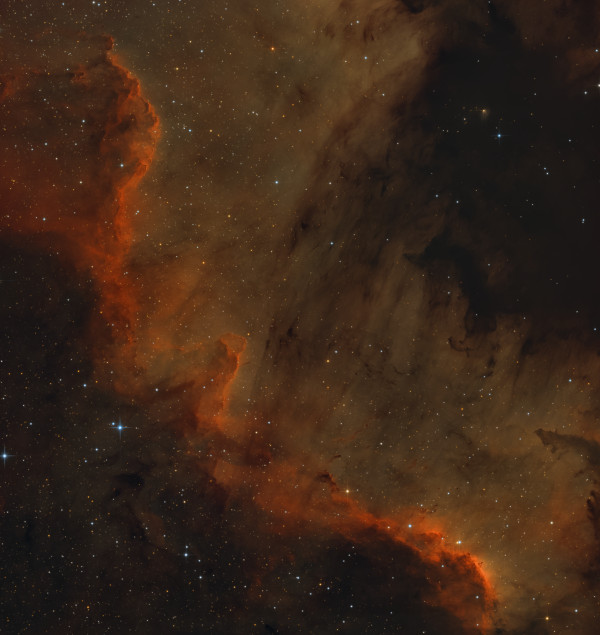
Decided to change the processing... still wanted something closer to narrowband data... no clear weather, so we're practicing, pushing pixels around the screen.
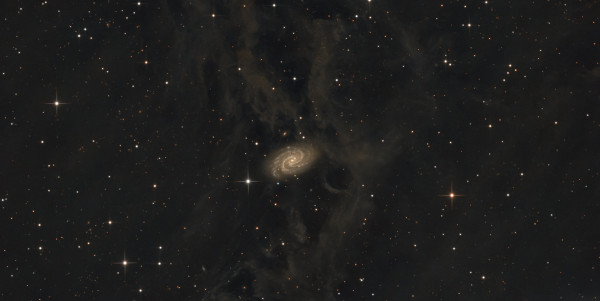
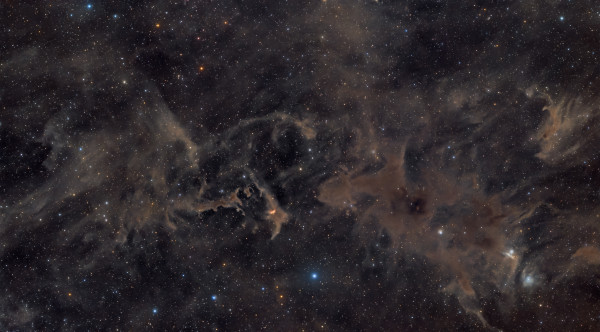
In January, there were several cloudless and cold nights. I took advantage of this and increased the integration time on the target. The atmosphere was not ideal; although there was no moon in the sky, the stars appeared dim. The resulting integration did not turn out much better than before, but it is certainly no worse.
Yellow, Bortle 5 zone
Exposure
Total exposure: 24 h 6 m
Feb 27th, 2026
24 h 6 m
Decided to change the processing... still wanted something closer to narrowband data... no clear weather, so we're practicing, pushing pixels around the screen.

Feb 7th, 2026
24 h 6 m
In January, there were several cloudless and cold nights. I took advantage of this and increased the integration time on the target. The atmosphere was not ideal; although there was no moon in the sky, the stars appeared dim. The resulting integration did not turn out much better than before, but it is certainly no worse.
Jan 6th, 2026
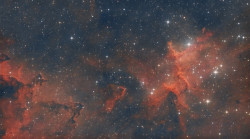
4 h 35 m
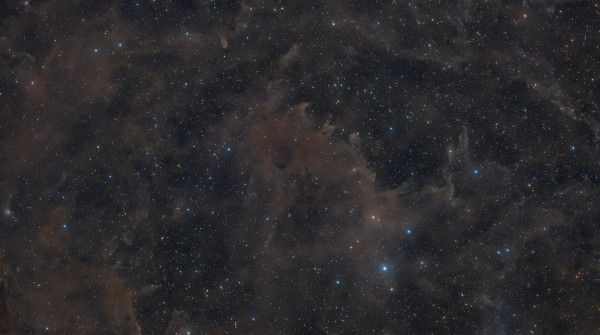
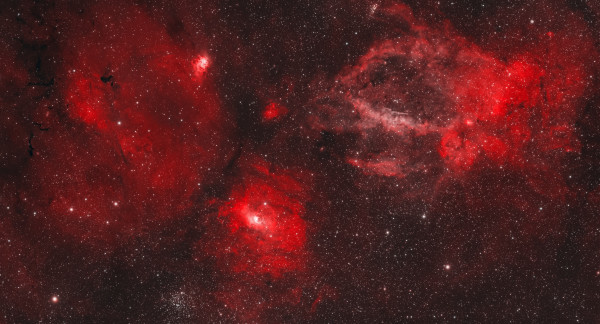
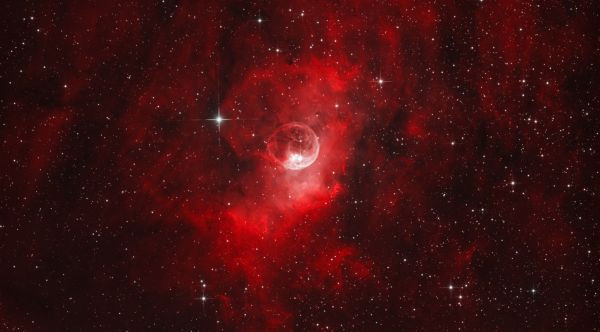
Although the total exposure time is short, testing the new sensor brought a lot of positive results.

Comments
Reply
Sign up or sign in to leave a comment.
Reply
Sign up or sign in to leave a comment.
Reply
Sign up or sign in to leave a comment.
Reply
Sign up or sign in to leave a comment.
Reply
Sign up or sign in to leave a comment.
Reply
Sign up or sign in to leave a comment.
Reply
Sign up or sign in to leave a comment.
Reply
Sign up or sign in to leave a comment.
Reply
Sign up or sign in to leave a comment.
Reply
Sign up or sign in to leave a comment.
Reply
Sign up or sign in to leave a comment.
And in the software, only the focuser and filter wheel updates are available. SharpCap also doesn't recognize it properly with the full name ASI 585mm Pro.
It only shows ASI cam 1
and ASI cam 2 :)). I don't know why it's like this. With Nina and ASIStudio, everything is fine.
They both detect everything, including the camera's s/n and driver version. All settings are available and working. Maybe the 585ms version doesn't have this issue. Waiting to hear what Evgeny says!?
Reply
Sign up or sign in to leave a comment.
Reply
Sign up or sign in to leave a comment.
Reply
Sign up or sign in to leave a comment.
Reply
Sign up or sign in to leave a comment.
Reply
Sign up or sign in to leave a comment.
Sign up or sign in to leave a comment.