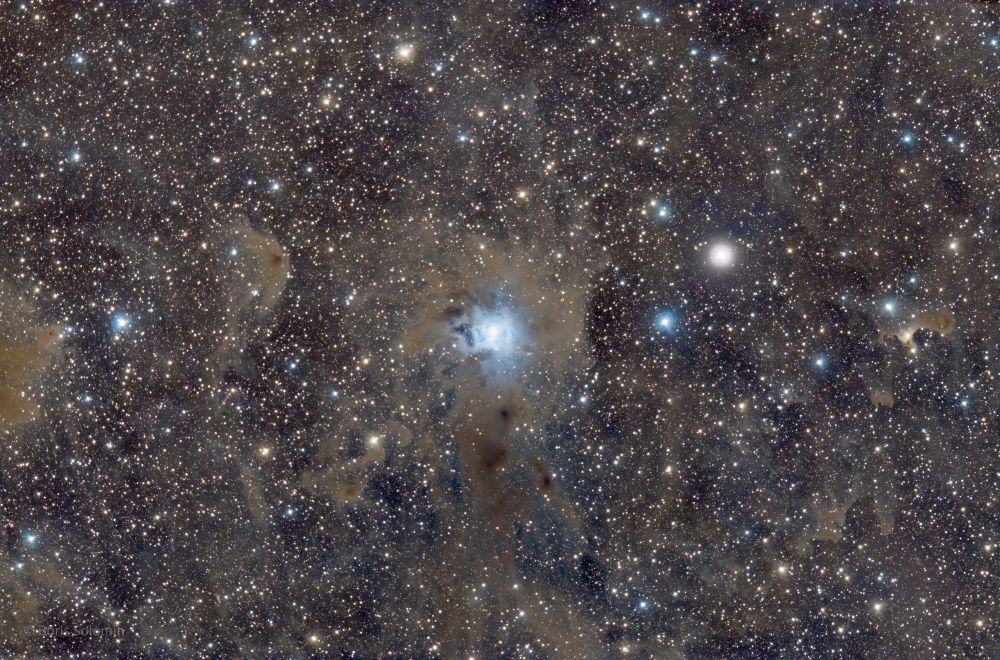
I only removed one flat frame. I spent a long time thinking about how to do it, and I had already come up with a similar method. Then I stumbled upon this video and confirmed that it would work: https://m.youtube.com/watch?v=UHXq9BTXUF4&t=719s
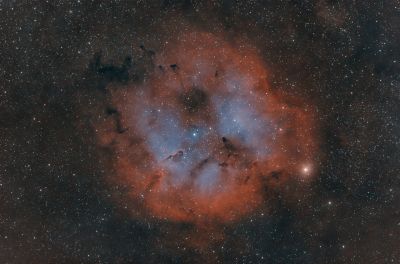
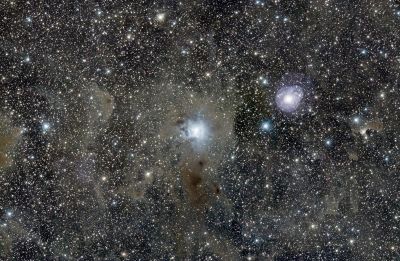
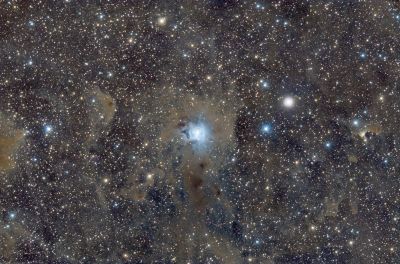
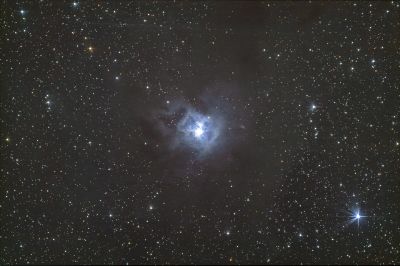
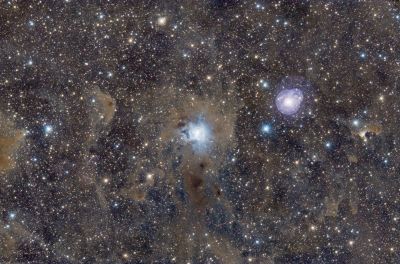
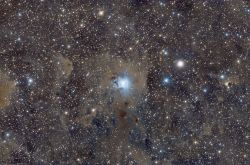
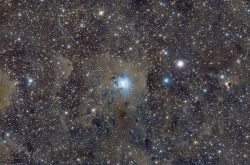
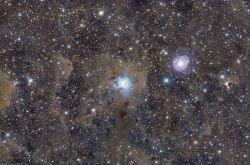
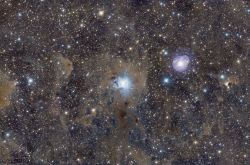
In short, I took the blue channel of the starless version, painted everything black in Photoshop except for the glare, slightly blurred the edge, inserted it into PixInsight as a mask, and used it to reduce the brightness and intensity of the blue channel. That’s roughly how it was done.
Thank you! That's pretty much how I used to do it in Photoshop, only I used selections instead of a mask.
I'll definitely give it a try! I have an unpublished shot of M45 with glare on the main stars; I'll use that one to test it.
I'll have to work on each one separately... It would be interesting to see the before and after. This was an experiment for me—to see if it's possible or not. I liked this photo, but the glare was disappointing.
31 May, 2022
Reply
Comments are available only to registered users. Register or log in to leave a comment.


Comments
I'll definitely give it a try! I have an unpublished shot of M45 with glare on the main stars; I'll use that one to test it.
Comments are available only to registered users. Register or log in to leave a comment.