
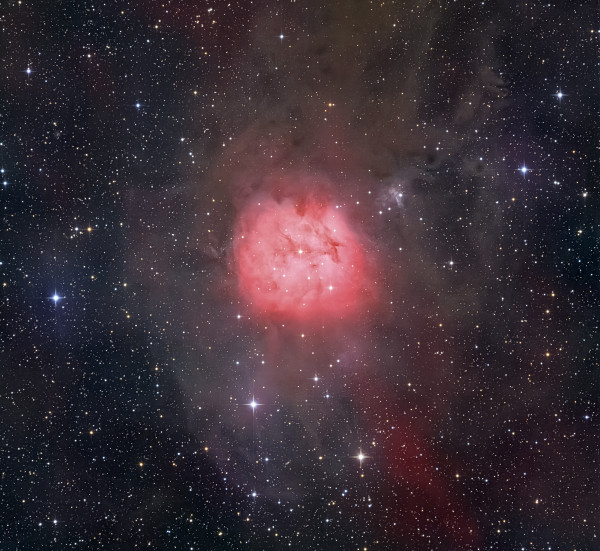
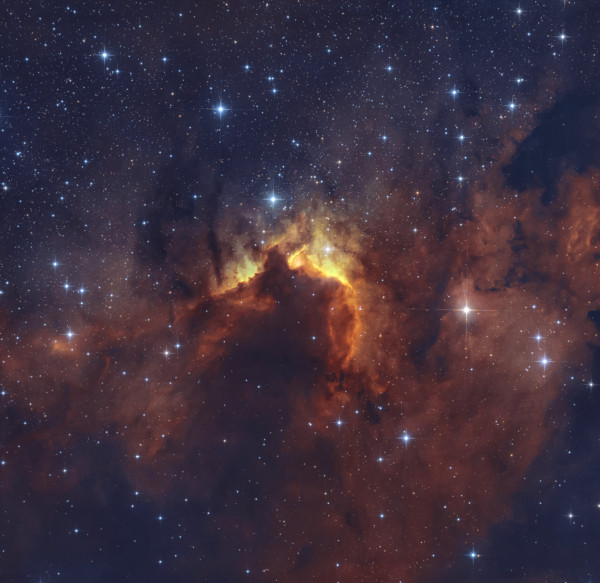
The "Shell" Nebula (SH2-119)
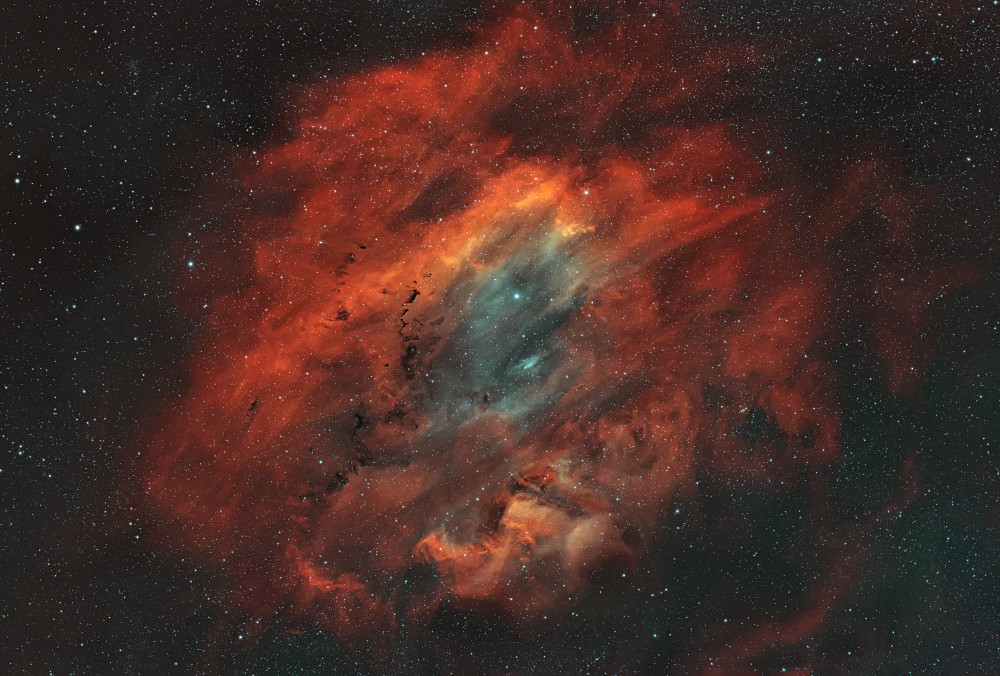
- Resolution:
- 4907x3320 px
- File size:
- 25030 KB
Technical information
- Telescope/Lens
- SharpStar 61EDPH III + 0.75x reducer
- Camera
- ToupTek ATR2600M
- Mount
- JUWEI 14
- Guide Scope
- Svbony sv 165 Mini 40mm
- Guide Camera
- ToupTek GPM662m
- Accessories
- StellaVita
- Software
- Dss, Pixinsight, Photoshop
- Location
- Смоленская область, Алексинский астродомик, Россия
Light pollution
Green, Bortle 4 zone
- Date taken
Exposure
- 50 × 300″ · ISO/Gain: 100 · Ha - scorpio astro 3nm
- 50 × 300″ · ISO/Gain: 100 · OIII - scorpio astro 3nm
- 30 × 300″ · ISO/Gain: 100 · SII - scorpio astro 3nm
Total exposure: 10 h 50 m

Comments
Reply
Sign up or sign in to leave a comment.
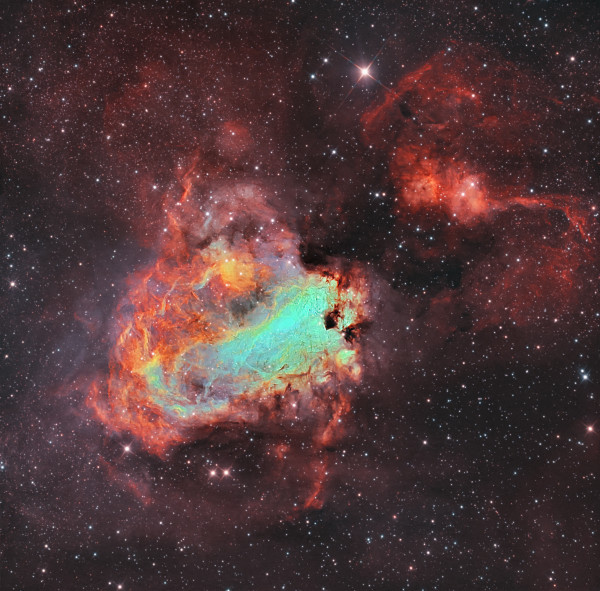
PS It seems that the stars are greenish and colorless. Just my taste.
Reply
Sign up or sign in to leave a comment.
Reply
Sign up or sign in to leave a comment.
Reply
Sign up or sign in to leave a comment.
It is better to correct the HUE curve, if there is no possibility to shoot in RGB.
Reply
Sign up or sign in to leave a comment.
Separately, before all this, you can do SPCC (photometric color calibration) to bring the color closer to the real one (with narrowband filter settings specified, of course).
Reply
Sign up or sign in to leave a comment.
in this case, as far as I understood, RGB stars were not captured, so the ones that came out of SHO had to be desaturated and that's it.
Reply
Sign up or sign in to leave a comment.
Reply
Sign up or sign in to leave a comment.
Reply
Sign up or sign in to leave a comment.
But we're discussing a narrow band, where there is almost no blue channel. If you also remove the green signal, at best you'll get white or yellowish stars, which will be very difficult to turn into blue ones.
And in any case, SCNR is removal of useful signal; it's better to use it only in extreme cases.
Reply
Sign up or sign in to leave a comment.
- Star removal and white/yellowish synthesis: Remove stars from the finished SHO image, process the nebula, then bring the stars back from the pure channel (H) (they'll be white), slightly tinting them into a yellow-orange range via curves.
- Using masks in PixInsight: Create masks by color (e.g., Color Mask on magenta and green) to locally reduce the saturation of purple halos around stars, or use the trick of inverting the image (Invert -> SCNR -> Invert) to combat magenta.
Stars are ready
Reply
Sign up or sign in to leave a comment.
Reply
Sign up or sign in to leave a comment.
Reply
Sign up or sign in to leave a comment.
Reply
Sign up or sign in to leave a comment.
Reply
Sign up or sign in to leave a comment.
Sign up or sign in to leave a comment.